GlyphTuning
A tool to open all corner-tuning sources of a single glyph in a temporary font for editing.
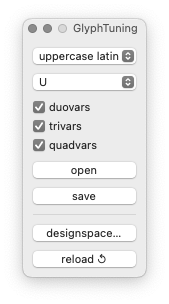
- designspace…
- Open a dialog to select a designspace file.
- reload
- Reload the previously selected designspace file.
- glyph group
- Select a glyph group from the list (imported from smart sets).
- glyph name
- Select a glyph from which to load parameters (meme).
- tuning corners
- Select which tuning corners you would like to edit: duovars, trivars, quadvars.
- open
- Import the selected glyph from the selected parametric sources into a temporary font for editing.
- save
- Export the selected glyphs back into the UFO sources from where they came from.
Example
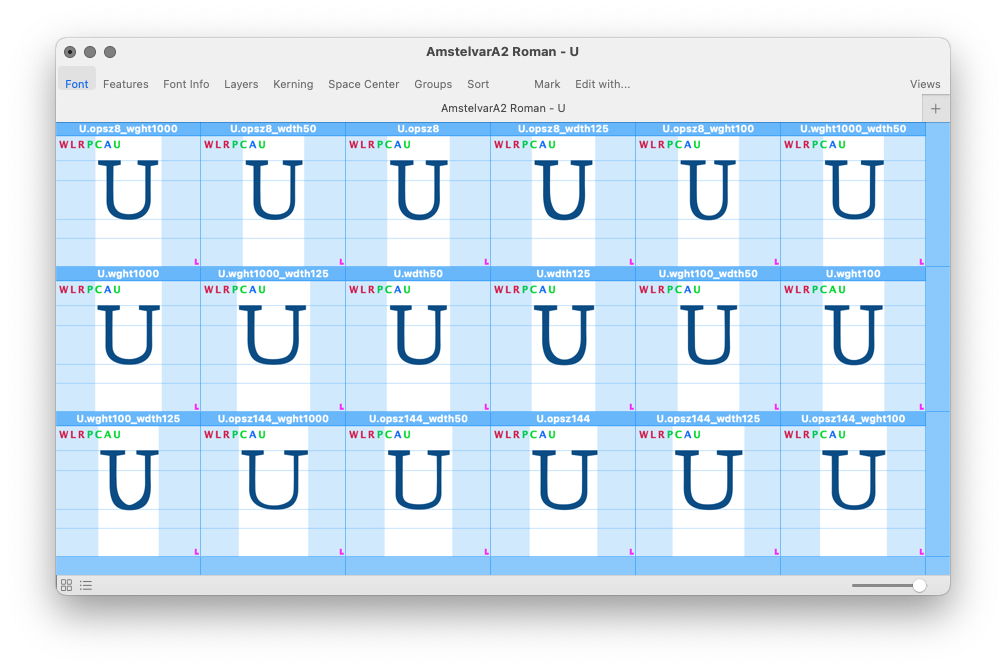
note
Temporary fonts created with GlyphTuning are compatible with GlyphValidator and Import Layer tools.