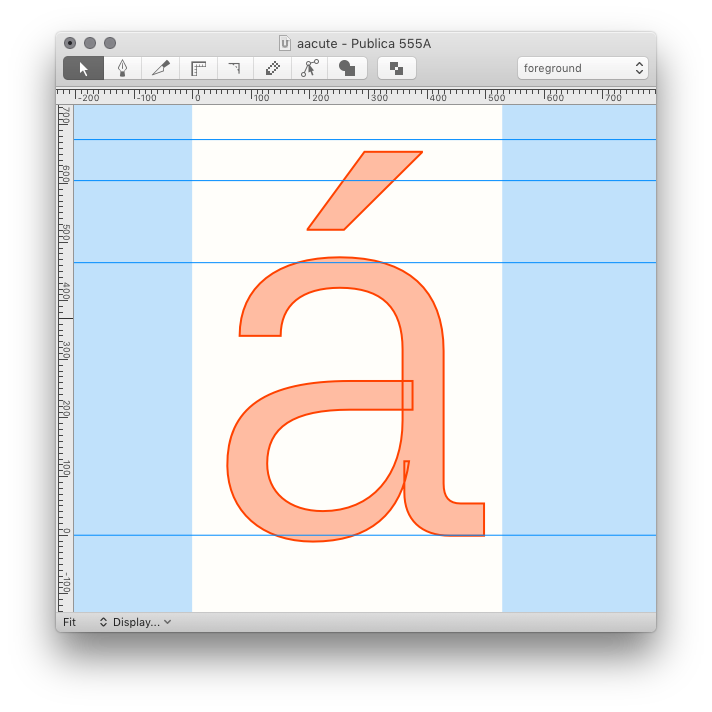
build constructions
Build selected glyphs from components using Glyph Construction language.
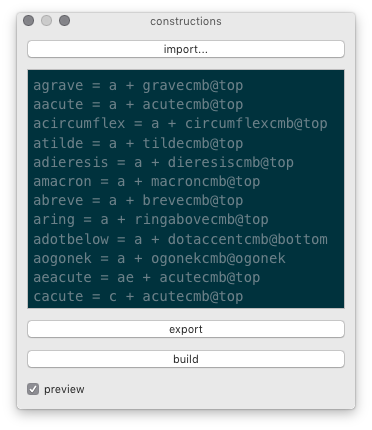
- import…
- import constructions from
.glyphConstructionfile - reload
- Reload the previously selected designspace file.
- preview color
- Choose a color for the glyph construction preview in the Glyph Editor.
- validation
- Check if the glyph is equal or different to the glyph construction.
- preview
- show a preview of the glyph construction
- build
- build selected glyphs if a construction is available
- composites
- Show only glyphs which include the selected glyph as a component.
Validation
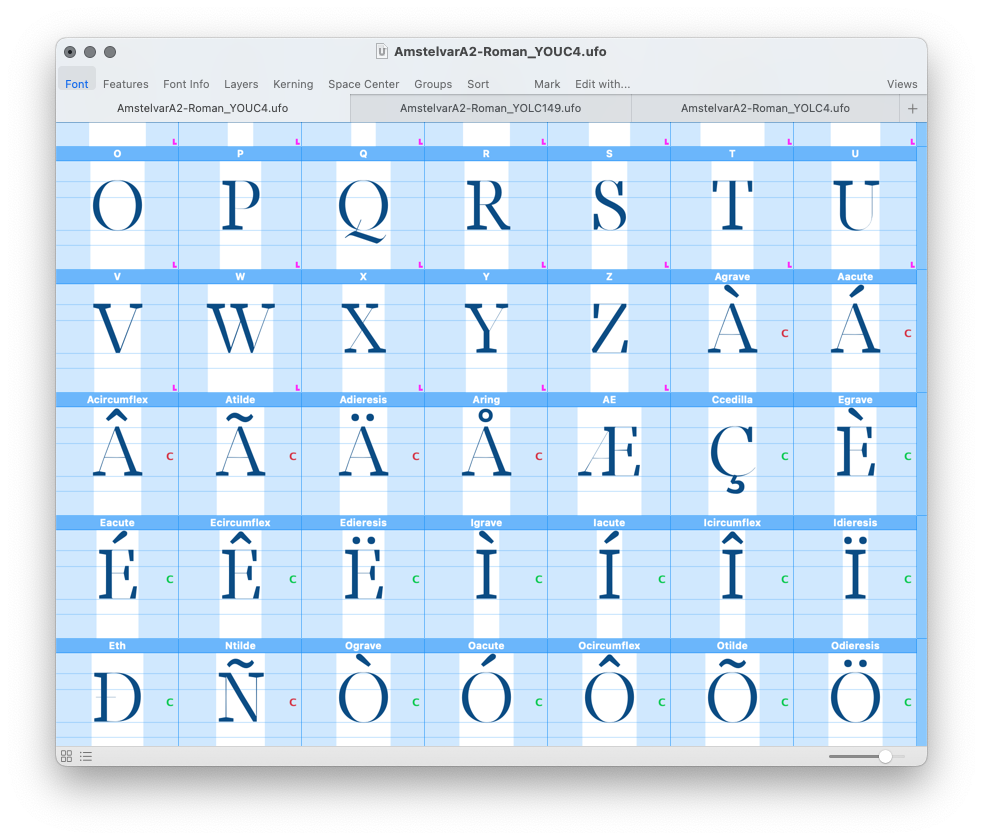
If validation is enabled, a letter C appears in the right side of the glyph cell of all composite glyphs for which there is a construction, indicating the glyph’s validation status.
| green | the composite glyph is equal to its glyph construction output |
| red | the composite glyph is different from its glyph construction output |
Preview